04 — Tools
InfoZap
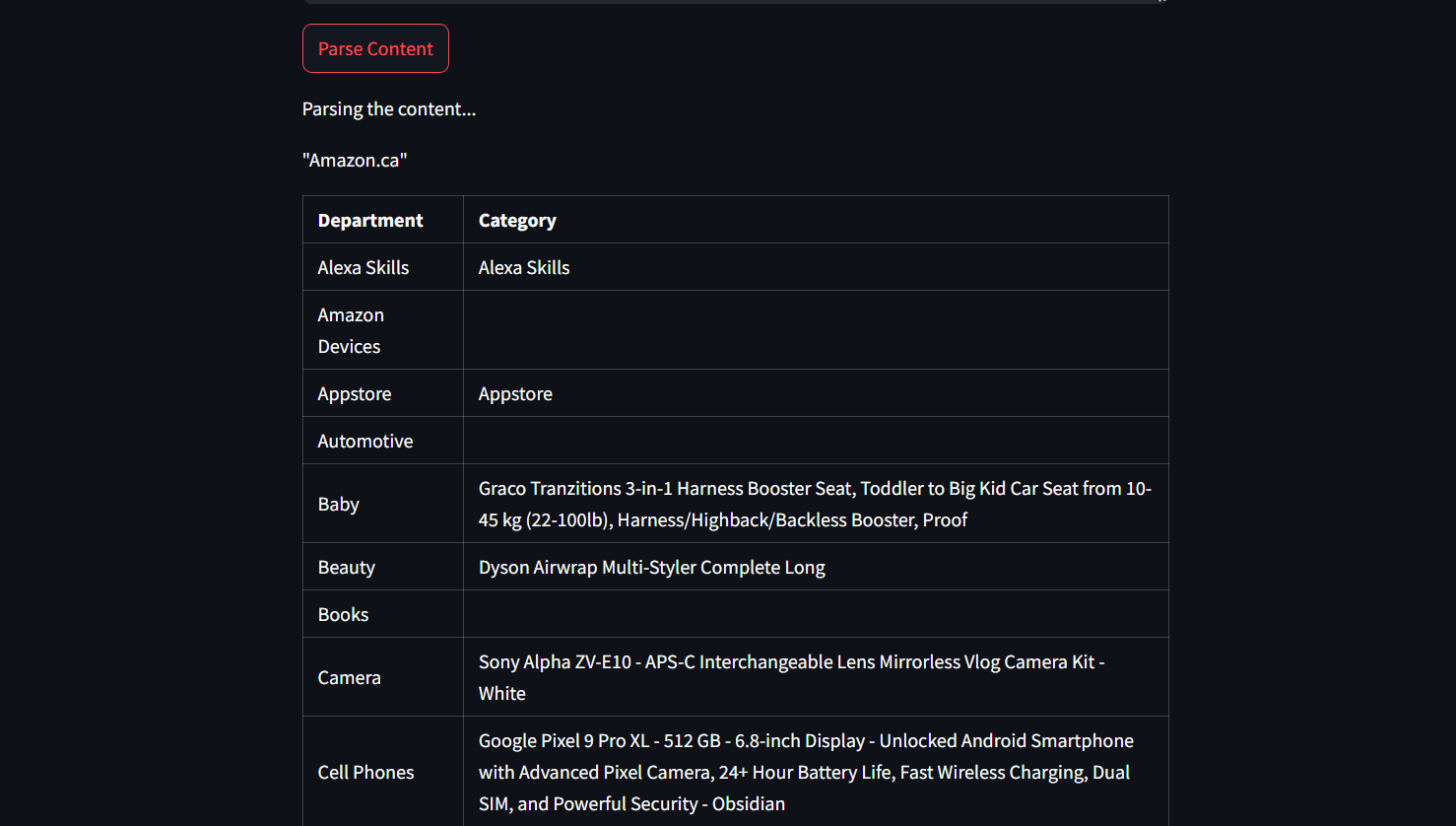
A lot of pages do not exist until a browser draws them. InfoZap opens that page in Selenium, cleans the HTML, and asks a local Llama model for the fields named in the prompt. There is no hosted demo. The repository is public if you want to run it yourself.
Problem
A plain HTTP fetch misses anything the browser draws. Save the rendered page and you still have a pile of markup nobody wants to read. The useful version is smaller: open it, strip the noise, return the part that was asked for.
Goals
- 01Open the rendered page, including sites that need a person to solve a CAPTCHA.
- 02Strip scripts, styles, and the rest of the noise from the body.
- 03Return only the fields the prompt named.
Architecture
Streamlit is the interface in main.py. scrape.py drives Chrome through Selenium, waits for the body, and cleans the DOM with BeautifulSoup. parse.py sends the chunks to a local Ollama model through LangChain.
Implementation
The app pauses so a person can solve a CAPTCHA, then continues. It waits up to 60 seconds for the page body, removes script and style tags, splits the text into chunks, and keeps the scraped text in Streamlit session state. The run command is streamlit run main.py.
Tradeoffs
A person solves the CAPTCHA
The scraper stops and asks. It does not try to beat the challenge. That was a choice, not a missing feature.
A local model
Extraction uses Ollama and Llama 3.2 on the same machine. The page text does not have to leave for a hosted model.
Results
The repository is public under an MIT license. There is no deployed demo.
Limitations
Ollama and the llama3.2 model have to be installed locally. CAPTCHA handling is manual. Selenium points at chromedriver.exe, a Windows path, so other systems need a change.